
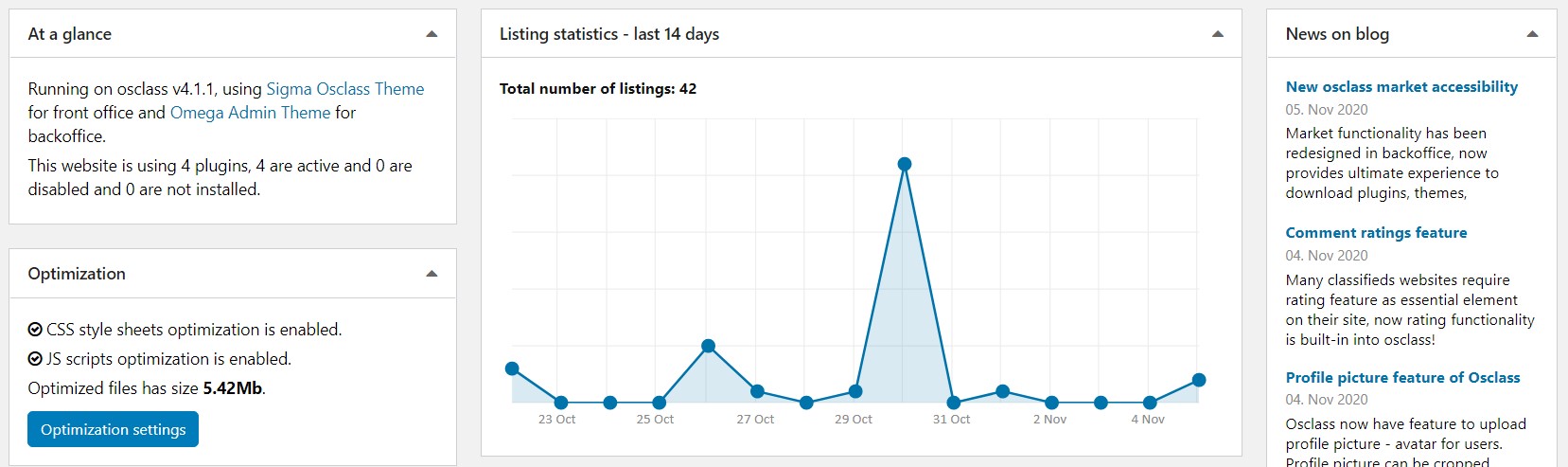
Understand the redesigned dashboard layout and how to customize widgets for faster daily administration.
It's been long time oc-admin dashboard (home) page has been created and not changed in osclass itself. Omega theme brought new design, but based on your feedback, we've decided to redesign it and provide all possible information about your osclass at one place.
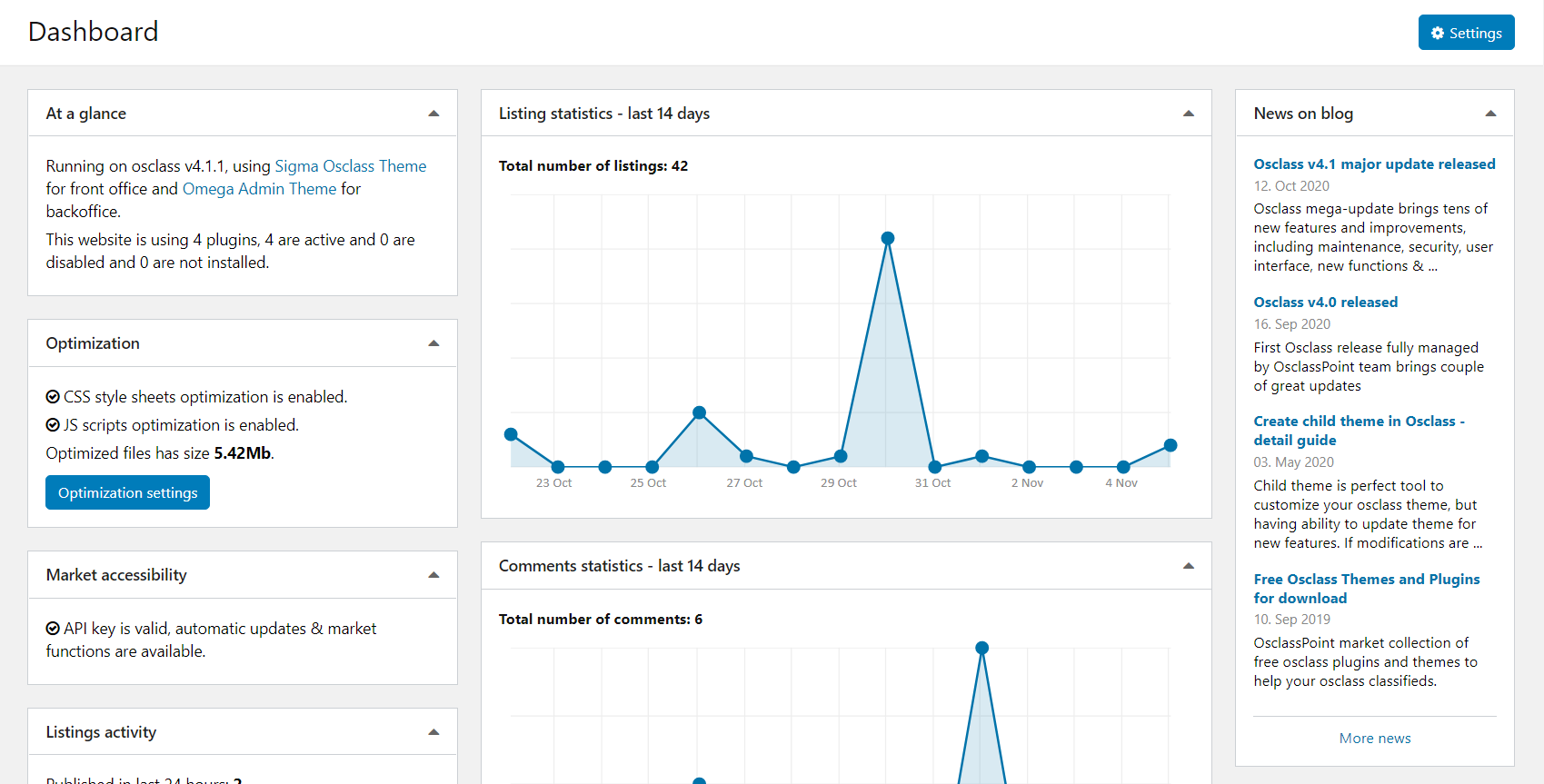
New design is based on widgets placed in dashboard. Currently, 14 widgets has been created as default set:
Unfortunately, right now it is not possible to move widgets between columns or change their position, however you have still strong functionality to manage what you see and what you do not see.
You may collapse content of widget by clicking on top right arrow in box:
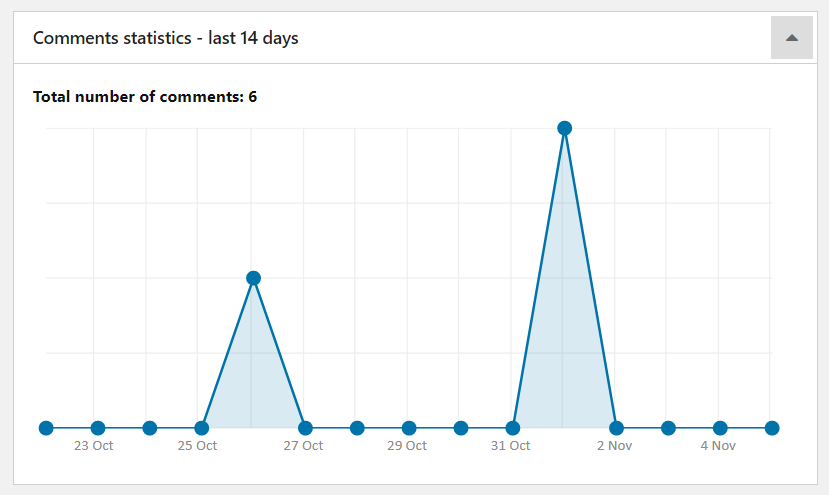
Once collapsed, this action is stored so if you refresh dashboard, collapsed widgets will stay collapsed, however content of widget is still available in case you want to check it.
When you go to "Settings" section of dashboard (top right corner, blue button) you may completely hide widgets you do not like, or hide whole widget column.

For widgets those are hidden, code is not executed at all, so if you have some troubles with long loading dashboard, you may hide some unnecessary widgets.
Related tools: configuration information page and debug log viewer.
Question: Where do I hide an Osclass dashboard widget in oc-admin?
Answer: Open the dashboard Settings control at the top right of oc-admin home. Uncheck the widget or hide a whole column. Collapse with the arrow is different: the box stays and the widget can still run. Hiding is the setting intended to skip that widget. Confirm the dashboard after save.
Question: Does an Osclass dashboard widget stay collapsed after refresh?
Answer: Collapsing a widget with the top-right arrow is stored, so it stays collapsed after refresh. Collapse is not the same as hide. To skip the widget work, hide it in dashboard Settings instead of collapsing it. You cannot drag widgets between columns. Reload oc-admin home to confirm.
Question: Does hiding Osclass dashboard widgets skip their PHP on oc-admin home?
Answer: Hide is meant to skip that widget; collapse still loads the box. If oc-admin home stays slow after hide, the remaining widgets or another plugin may still run queries. Treat hide as a dashboard setting, not a proven PHP skip on every install. Check Tools, Configuration information for PHP limits.
Question: What does the Market accessibility widget show on the Osclass dashboard?
Answer: Market accessibility reports whether the OsclassPoint API key in Settings, General is valid for updates and Market. It is not listing traffic. If the widget is red, fix the key or Website field on the OsclassPoint profile rather than hiding the error. Hide only after the key works.
Question: What is the difference between listings activity and listing statistics widgets in Osclass?
Answer: Listings activity counts ads in the last 24 hours and 7 days and lists the last 5 with status. Listing statistics is a 14-day area chart of daily publishes. Use activity for moderation. Use the chart for trend. They are separate dashboard widgets. Hide the one you do not need.
Question: Can I drag Osclass dashboard widgets into another column?
Answer: Osclass dashboard widgets cannot be dragged between columns or reordered. Hide a widget or a column in dashboard Settings. Collapse keeps the box in place; column order is fixed. There is no drag-and-drop layout on oc-admin home in this redesign. Use Settings, not the arrow, to remove a widget.