


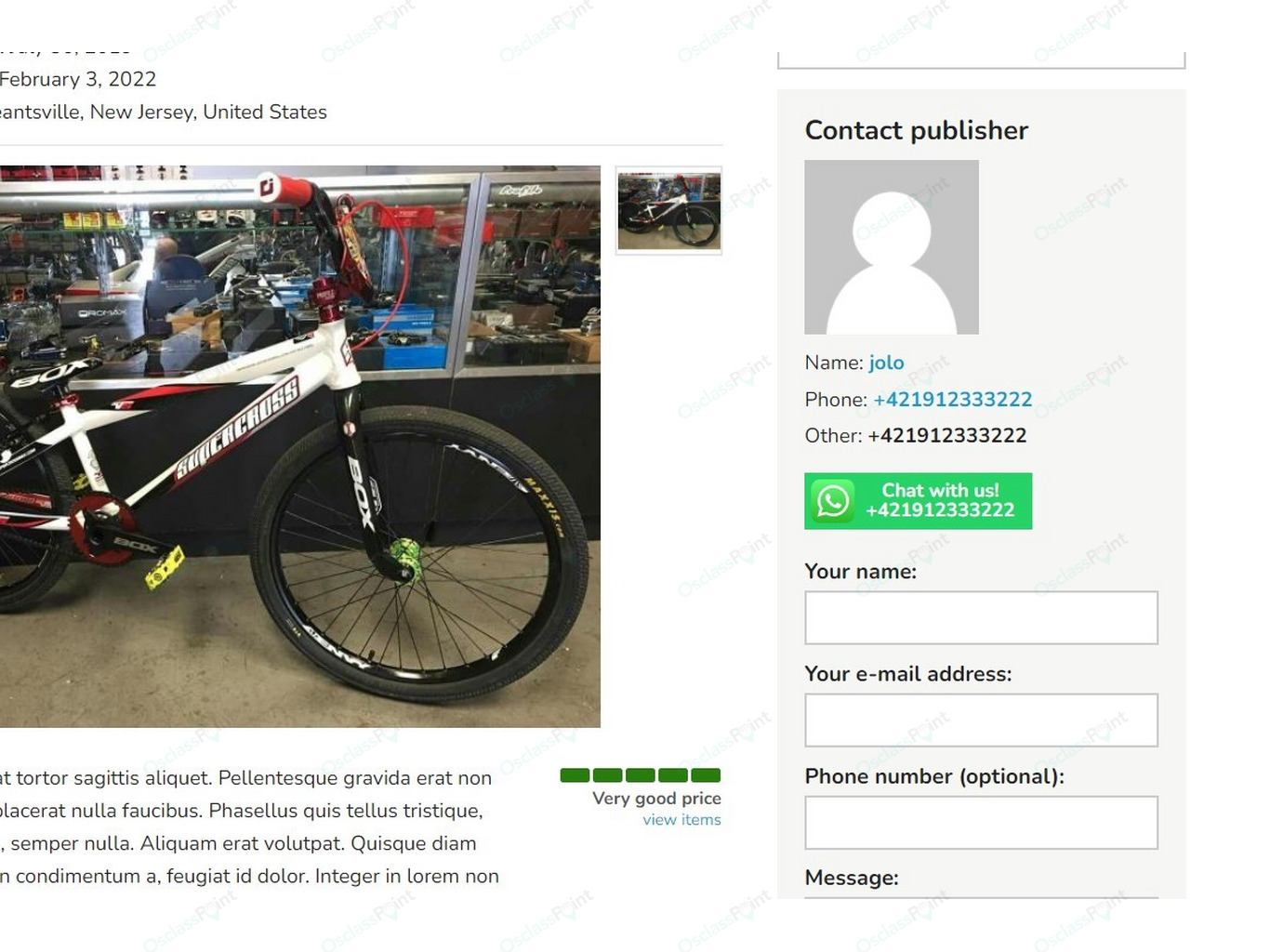
WhatsApp chat extension for Osclass helps buyers quickly contact seller and communicate together via WhatsApp just by 1 click, alternatively site admins can use it to create site contact button.
WhatsApp Chat Button for Sellers
Enhance and fasten communication between buyers and sellers. It is key element for classifieds, to make ability of customers/buyers to contact sellers in quickest and most comfortable way.
Plugin takes phone number from listing, sanitize it into international format and generates whatsapp chat button.
When customer clicks on this button (can be from mobile on desktop), customer is redirected to whatsapp to initialize chat with seller.
Button configuration options
Phone number
Phone number used in button can be configured and fits to all versions of osclass and/or themes. Following options are available to pick phone number:
- Osclass Item Phone field (v4.x or higher)
- Osclass Other Contact field (v4.x or higer)
- Custom Field Value (based on specified custom field slug)
- City Area field (i.e. Zara, Patricia themes)
- Theme Phone field (i.e Veronika, Stela, Alpha - Delta themes)
- Telephone Plugin field
Before phone is used in button, it can be sanitized, where redundant characters (mostly formatting characters like - ( ) / _) are removed and phone country code may be added to phone (i.e. +421, +1 or +92).
Phone country code (+XXX) can be defined by admin and usually should match to primary country classifieds is aiming. If code is missing in phone number and length of number is less than defined number of characters (i.e. less than 10 characters), country code will be added to phone number.
In case phone is missing on listing record, phone number from linked user profile (mobile/land) can be used as well.
Use on existing listings
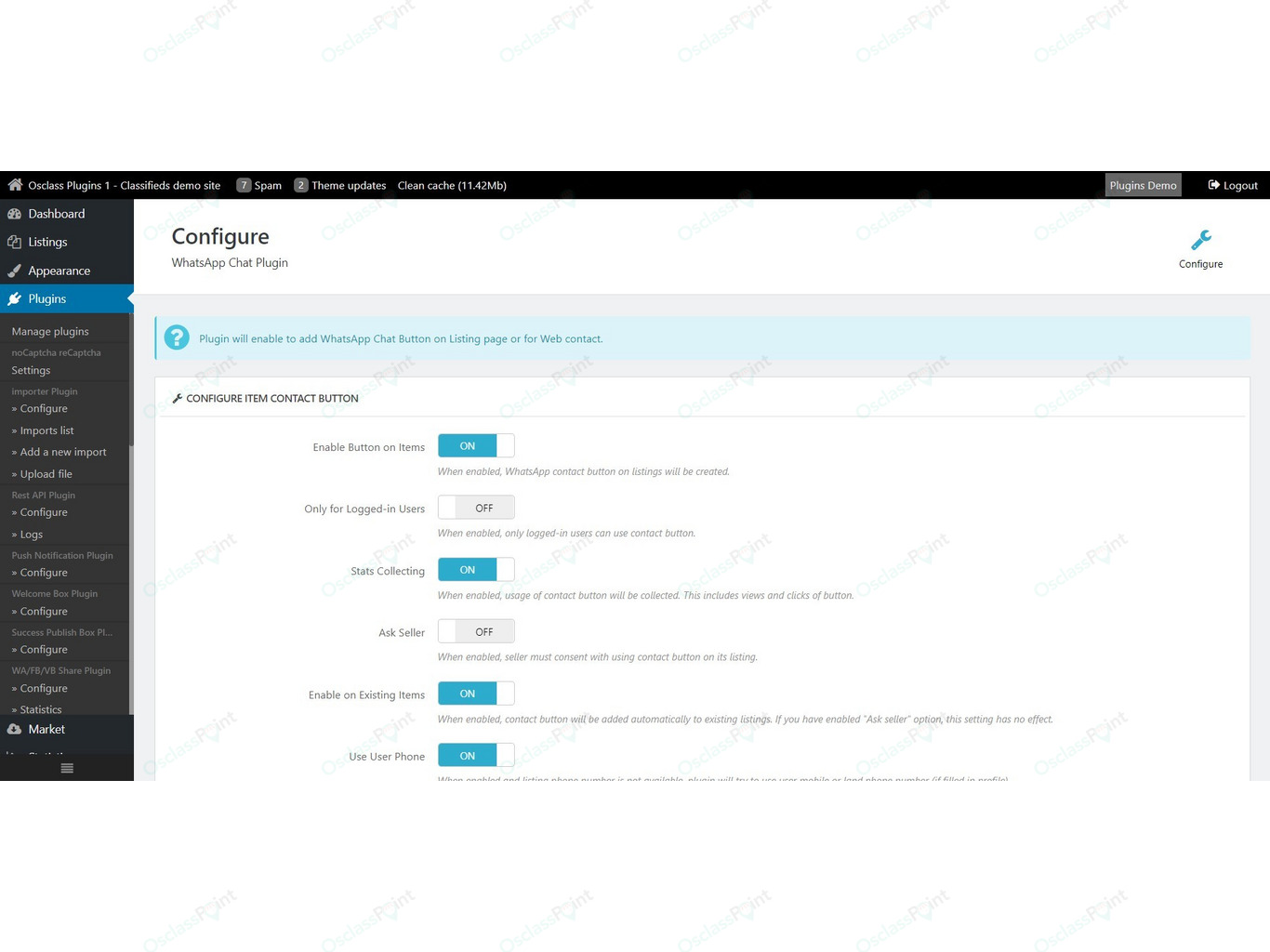
It may not be clear how plugin should work with numbers on existing listings created before plugin installation. Admin has full control if button will be generated on these listings or no.
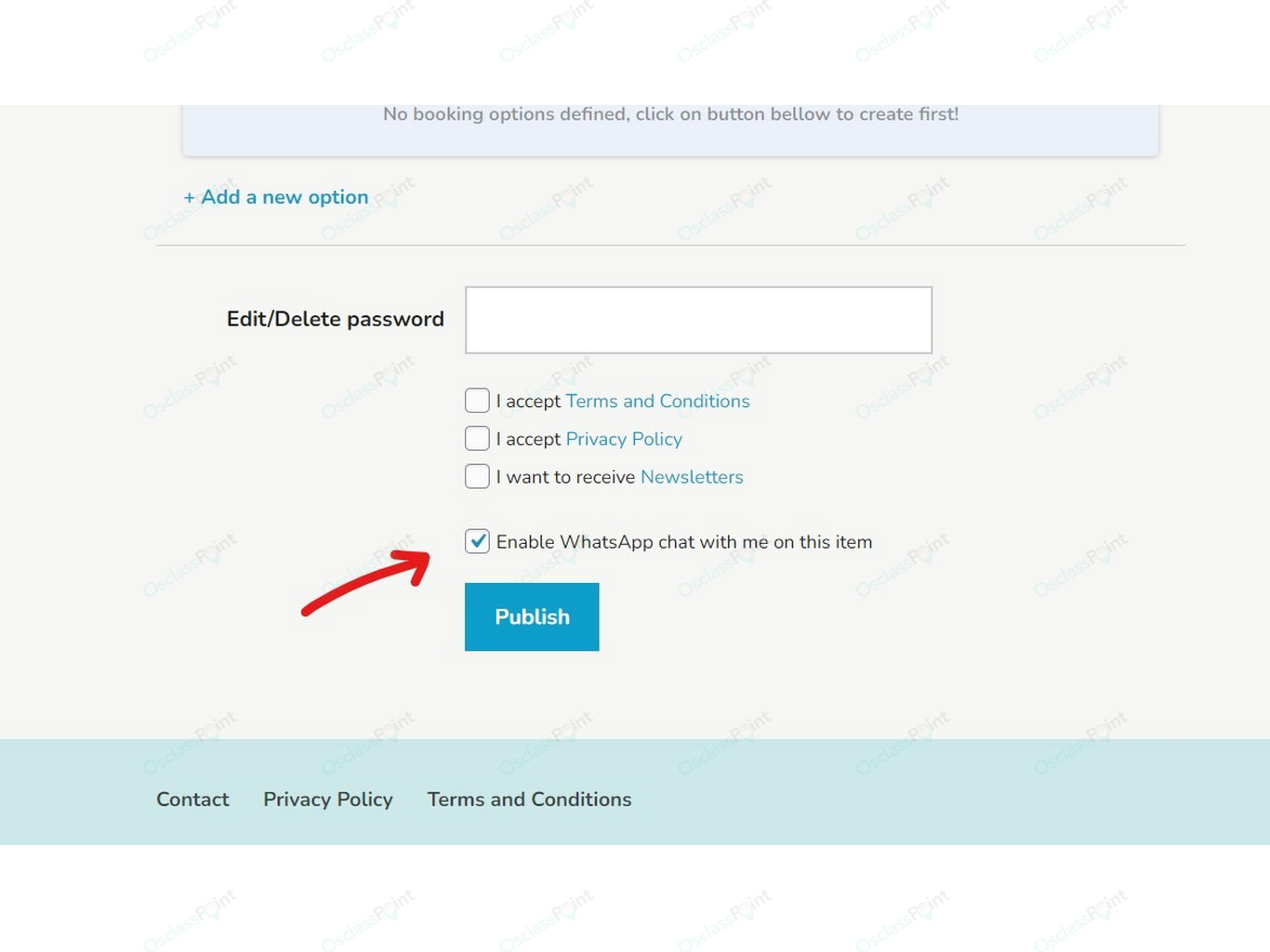
Ask seller for button usage
Useful feature that add checkbox on publish page to ask seller if whatsapp button should be created on their listing. Some sellers may not use WhatsApp at all so in that case button may be useless on listing page.
Collect stats about button usage
For sellers as well as site admins, this can be handy feature to know how many customers viewed button and how many customers actually clicked on WhatsApp chat button and tried to contact seller via WhatsApp.
Stats are automatically shown in tooltip to admins as well as listing owners, but can be also shown in different positions using helper functions.
Only for logged-in customers
Classifieds those are trying to avoid misuse of their functions by spam bots, or simply want to have increase registration rate, can allow usage of button only to logged-in users. In this case users those are not logged in will see button, but will be disabled for them.
Category restriction
WhatsApp chat button can be enabled just in specified categories, as it may not be propriate to show this button in every category.
Shared pre-filled text with URL and Image
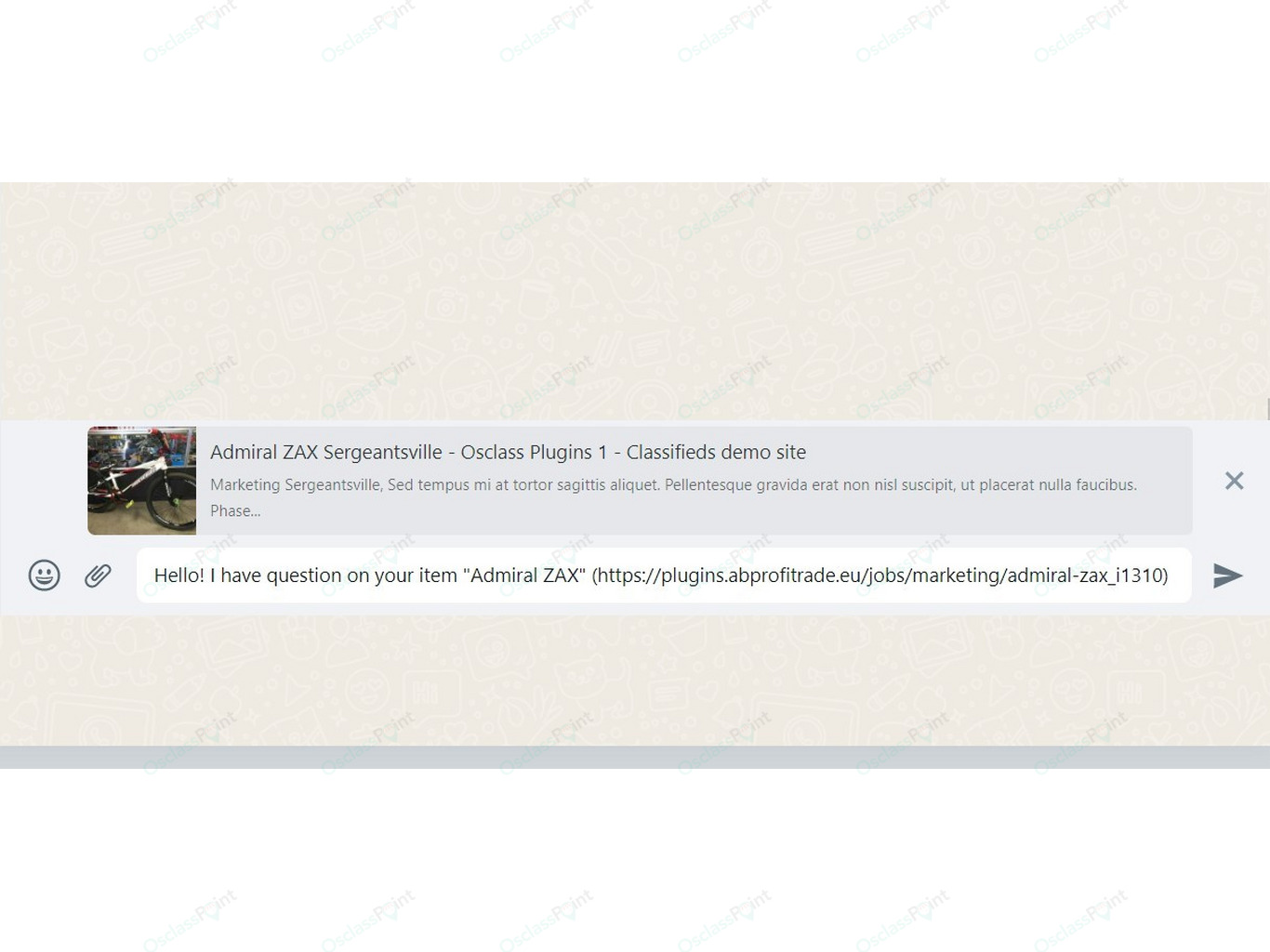
Plugin will pre-fill message to be sent to seller via whatsapp and will attach listing title as well as URL.
In case your theme/osclass has structured data setup properly (OG tags), nice listing card will be generated in chat window on WhatsApp side.
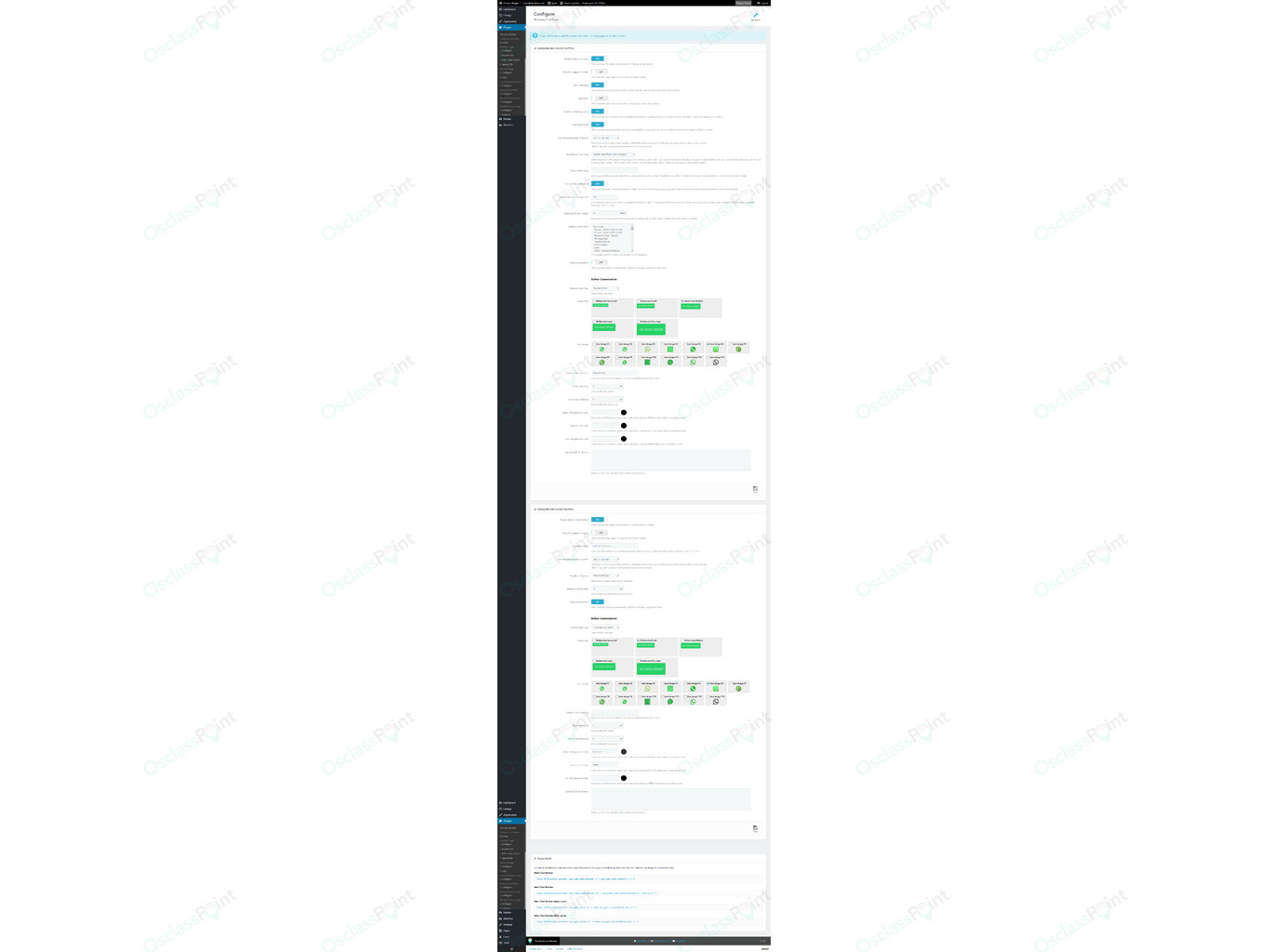
Infinite customization options
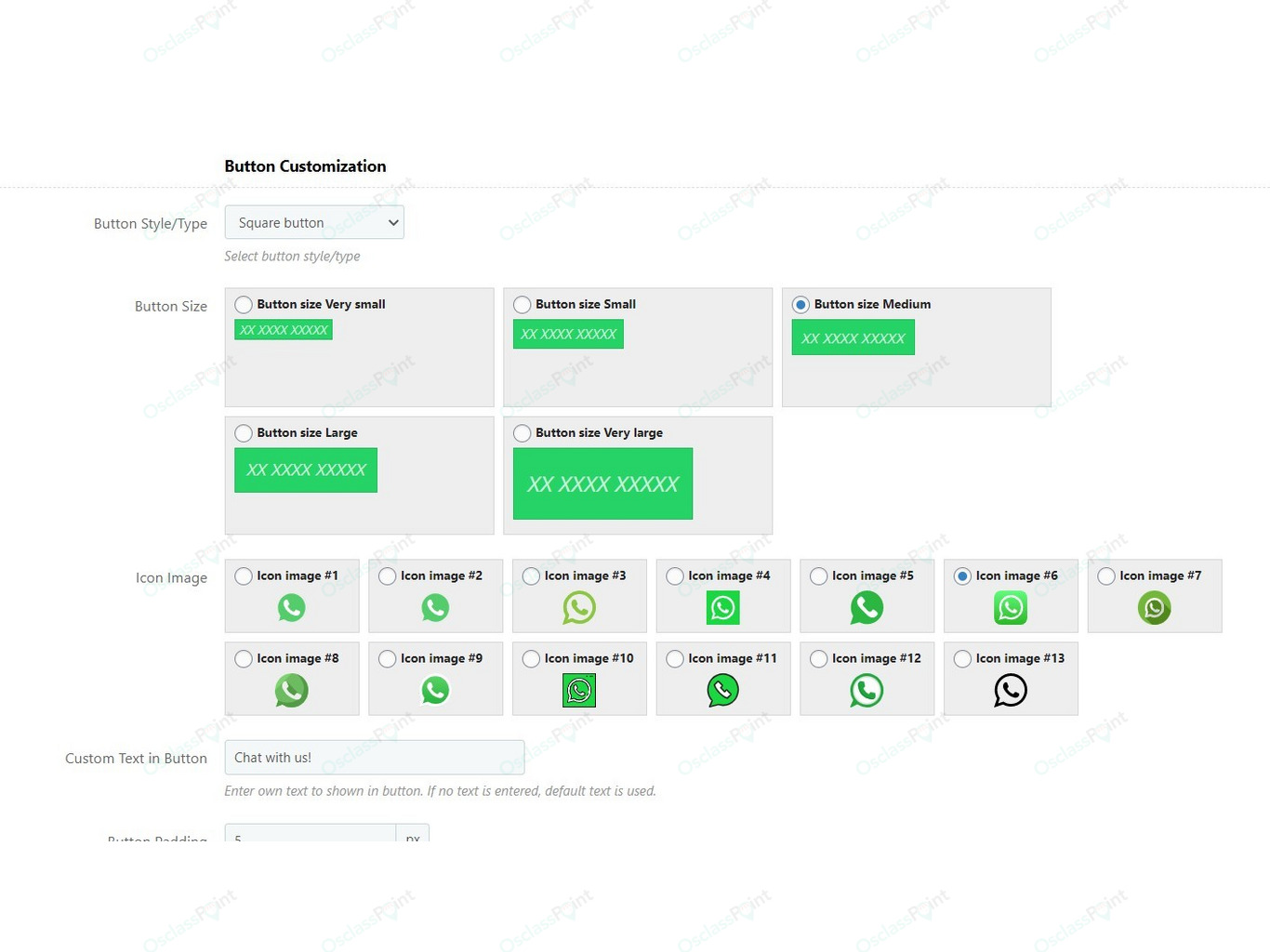
Plugin contains enormous number of customization options those helps to format and customize button in most prefered way and match theme/business layout.
List of options those can be configured:
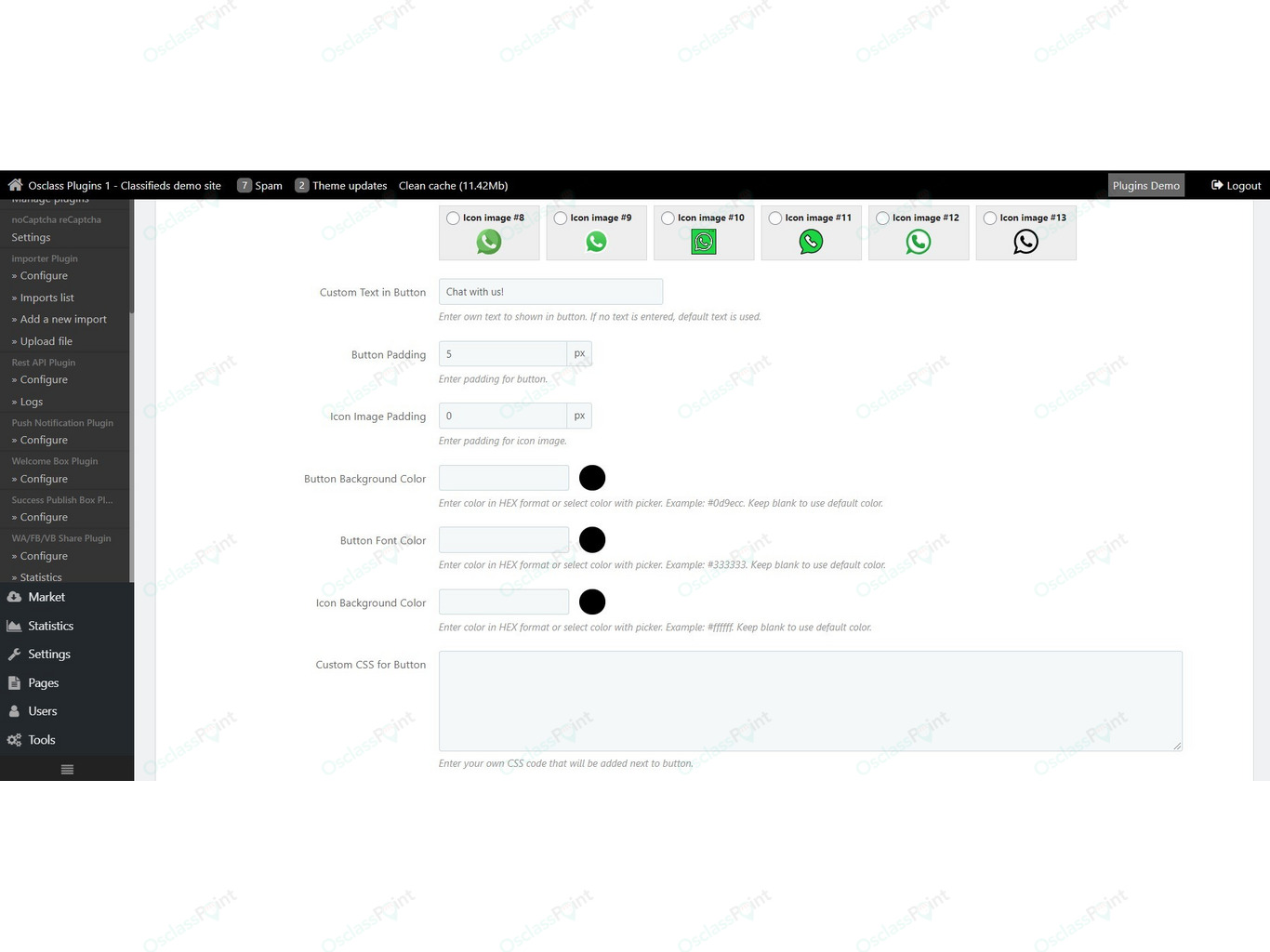
- Custom text in button - replace default text "WhatsApp Chat" with your own.
- Add phone number to button - do not add, add on same line as button text or add on new line.
- Icon image - select from 13 WhatsApp icons/logos to be used on button
- Button size - select from 5 pre-defined button sizes (micro, mini, medium, large, extra large).
- Button style - select from 6 predefined button styles (Rounded/Square/Bubble button, Rounded/Square/Circle icon button).
- Button & Icon padding - add custom padding from borders.
- Button background, icon background and font colors
- Custom CSS - not enough? There is way to place custom CSS to button to style it as a pro.
WhatsApp Chat button for Web/Site owners
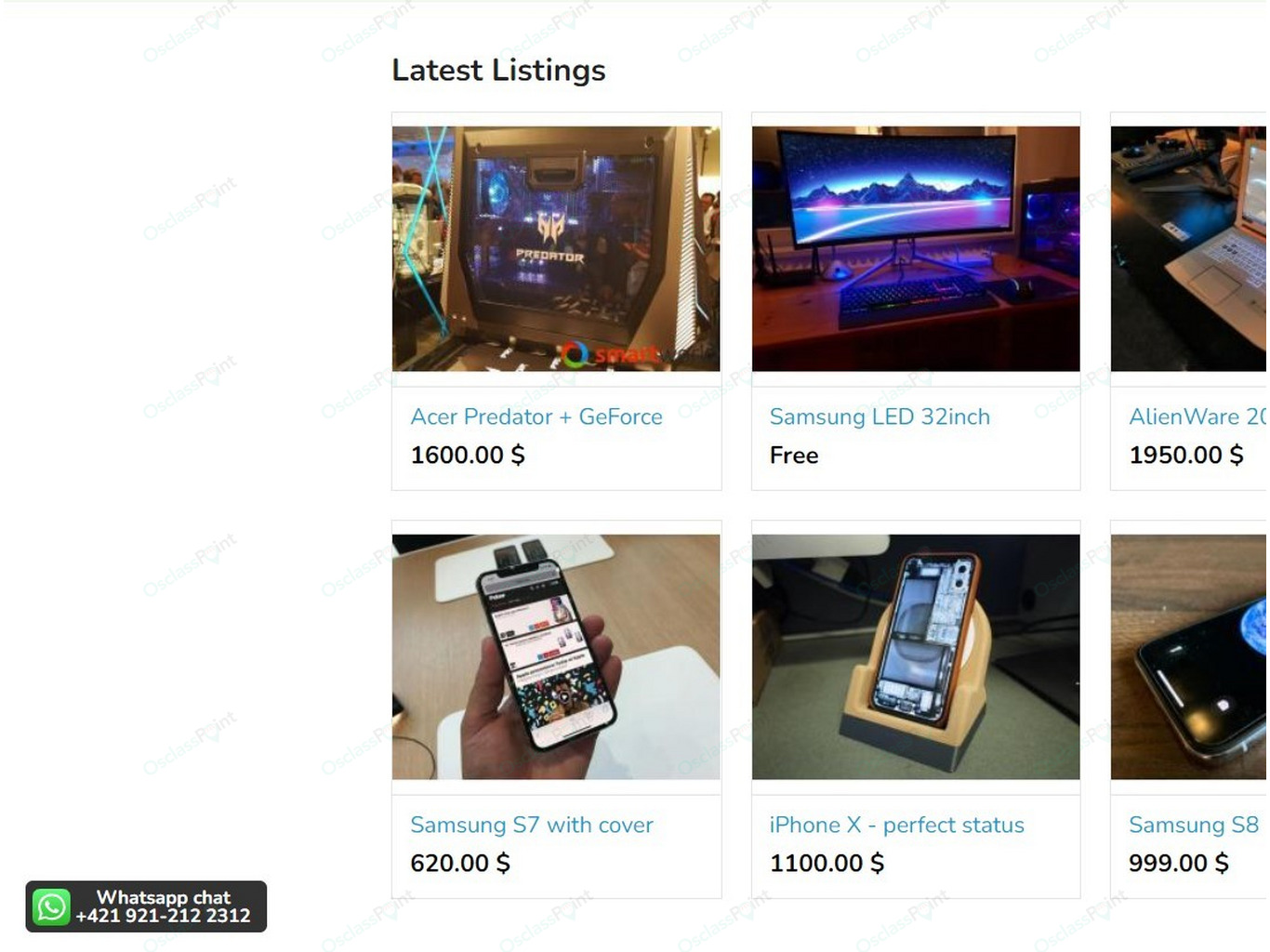
Besides primary function of this extension, to enhance and fasten communication between buyers and sellers, plugin also allows to add website contact button.
This can be really handy feature for admins those are mostly active on their WhatsApp and wants to be closer to their customers and help them contact support quicker.
Phone number is entered in plugin settings by site owner in international format.
Web button configuration options
Position of Button
Correct position is essential, especially to avoid conflicts and overflows with other buttons like ones from Online Chat, Cookies Consent or Poll plugins.
Extension provides 4 options to position button:
- Top left
- Top right
- Bottom left
- Bottom right
To support positioning without need to write own CSS, there is also margin option for web contact button to offset button from borders.
Only for logged-in customers
Classifieds those are trying to avoid misuse of their functions by spam bots, or simply want to have increase registration rate, can allow usage of button only to logged-in users. In this case users those are not logged in will see button, but will be disabled for them.
Again, rich customization options
In same way as for listing chat button, also web contact button contains very rich customization options those helps to format and customize button in way it will match your theme design.
List of options those can be configured:
- Custom text in button - replace default text "WhatsApp Chat" with your own.
- Add phone number to button - do not add, add on same line as button text or add on new line.
- Icon image - select from 13 WhatsApp icons/logos to be used on button
- Button size - select from 5 pre-defined button sizes (micro, mini, medium, large, extra large).
- Button style - select from 6 predefined button styles (Rounded/Square/Bubble button, Rounded/Square/Circle icon button).
- Button & Icon padding - add custom padding from borders.
- Button background, icon background and font colors
- Custom CSS - not enough? There is way to place custom CSS to button to style it as a pro.
 Turkish
 Latvian
 Spanish
 Arabic (SY)
 Russian
 Polish

 English
 Czech
Czech Slovak




Product rating: 5.0 - Excellent, based on 2 reviews
Verified & Genuine Reviews
All reviews on OsclassPoint come from real customers who have purchased the product. Only verified buyers can leave a rating or review.
To maintain quality and accuracy, every review is moderated before being published.
Excellent by Neo on 23. Oct 2025
Nice one to have by Marc Windey on 30. Aug 2022